Multi-Model Storyboard-to-Composition Pipeline in After Effects
Separate storyboards, motion, and compositing to avoid costly retries.
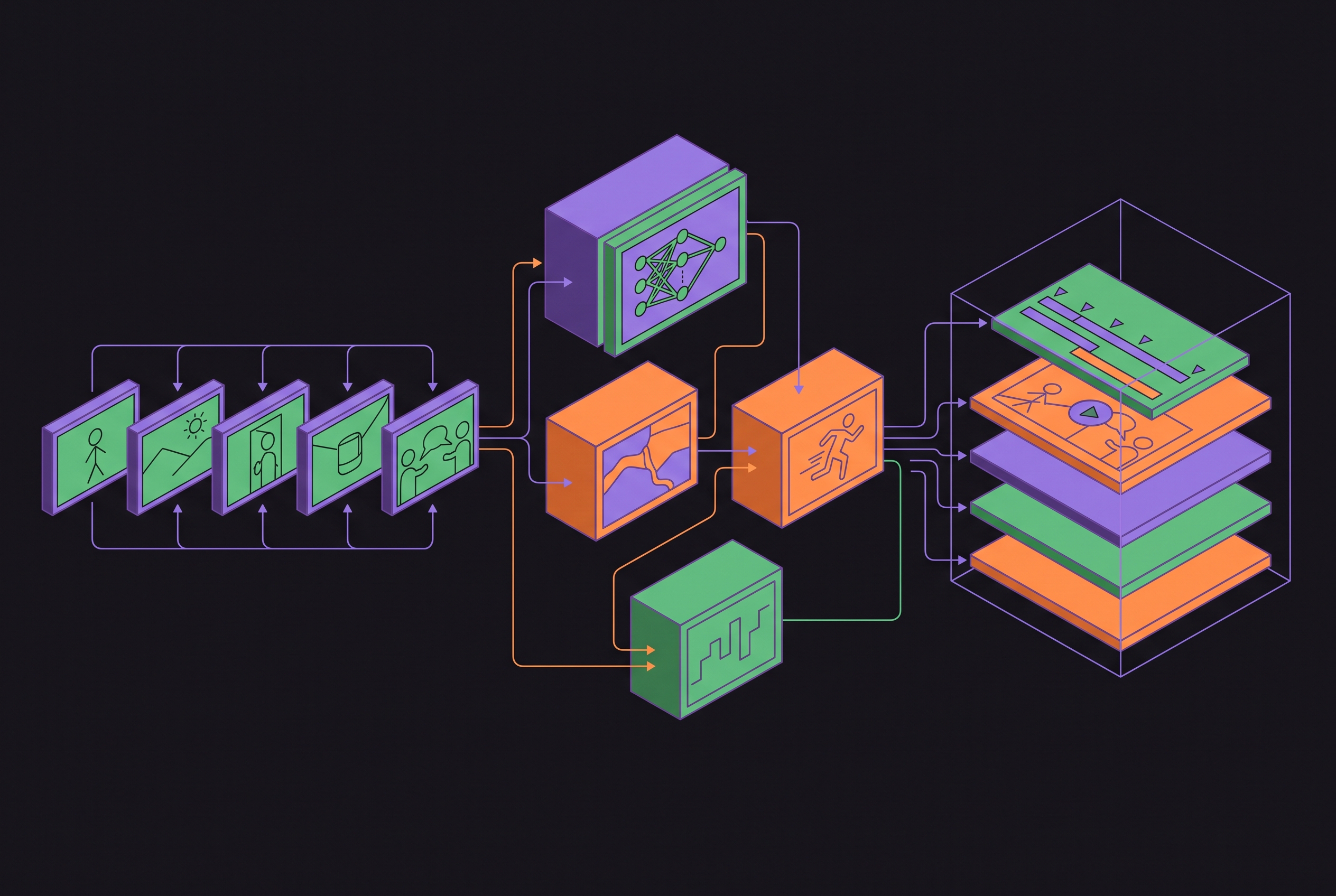
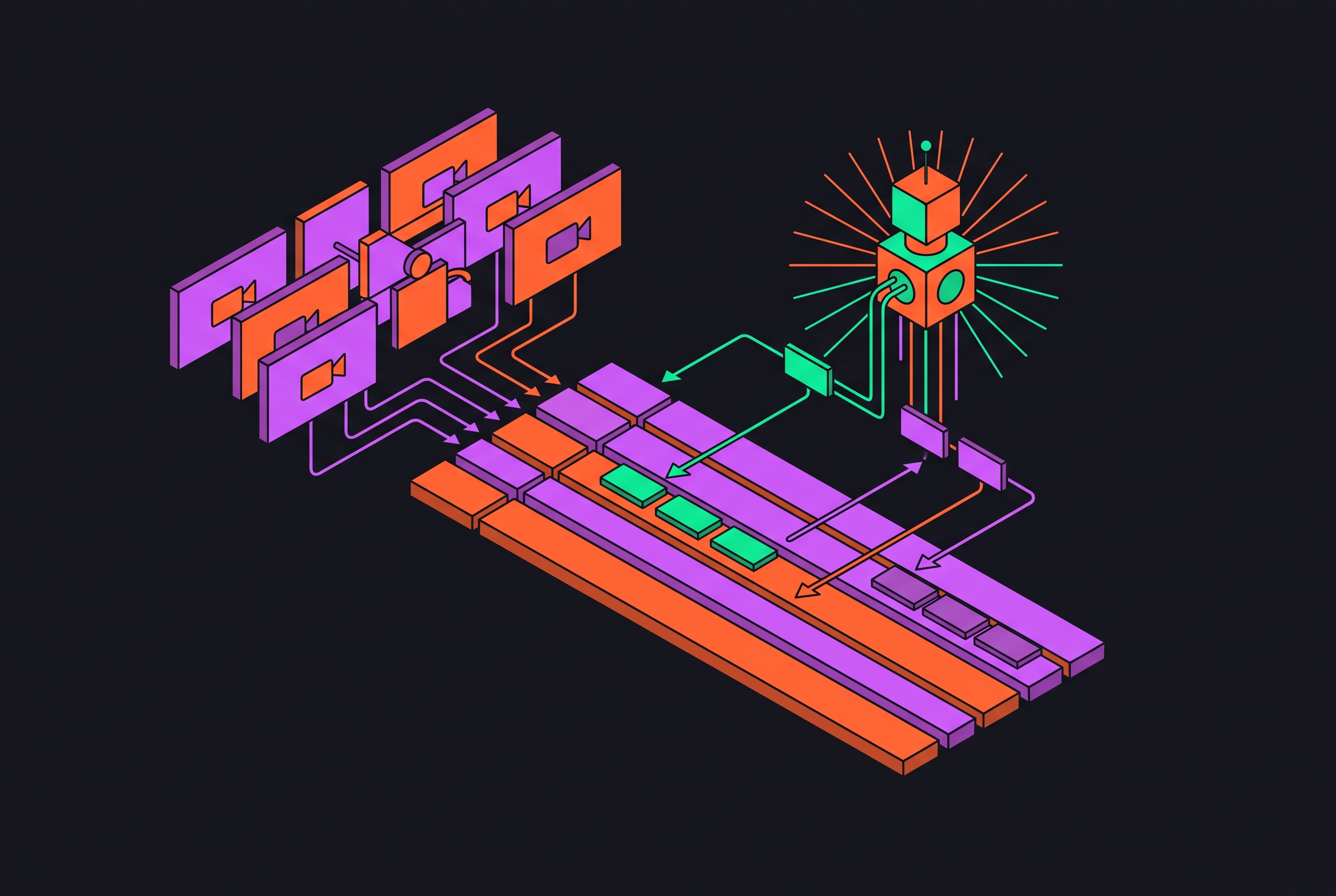
A multi-model storyboard-to-composition pipeline in After Effects works by separating three jobs that demand different capabilities. Static frames establish the look, video models add motion, and After Effects turns the results into an editable sequence. The decisive work is in the handoffs. Without locked references, models chosen with care, and assets kept in order, generating more adds to the cleanup and leaves the piece unfinished.
Why the storyboard-to-composition pipeline has three stages, not one
The “pick a model, write a prompt, hit generate” loop asks one generation to solve too many problems. Composition, lighting, character appearance, and movement are all open to change, so each retry can fix one problem while introducing another. The cost grows with every discarded clip. Separating keyframe generation, motion synthesis, and final compositing gives each stage a narrower job and an approved input to work from.
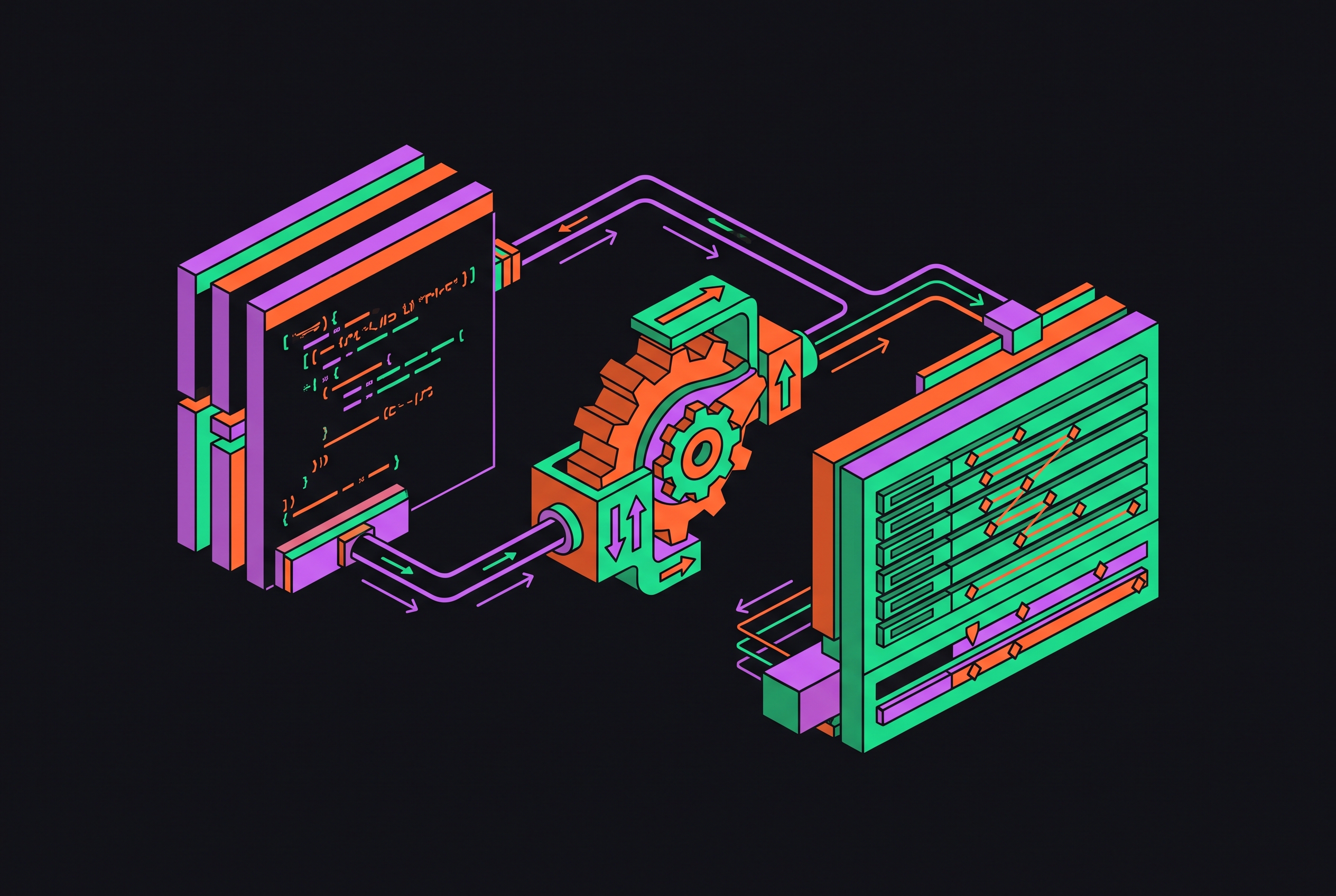
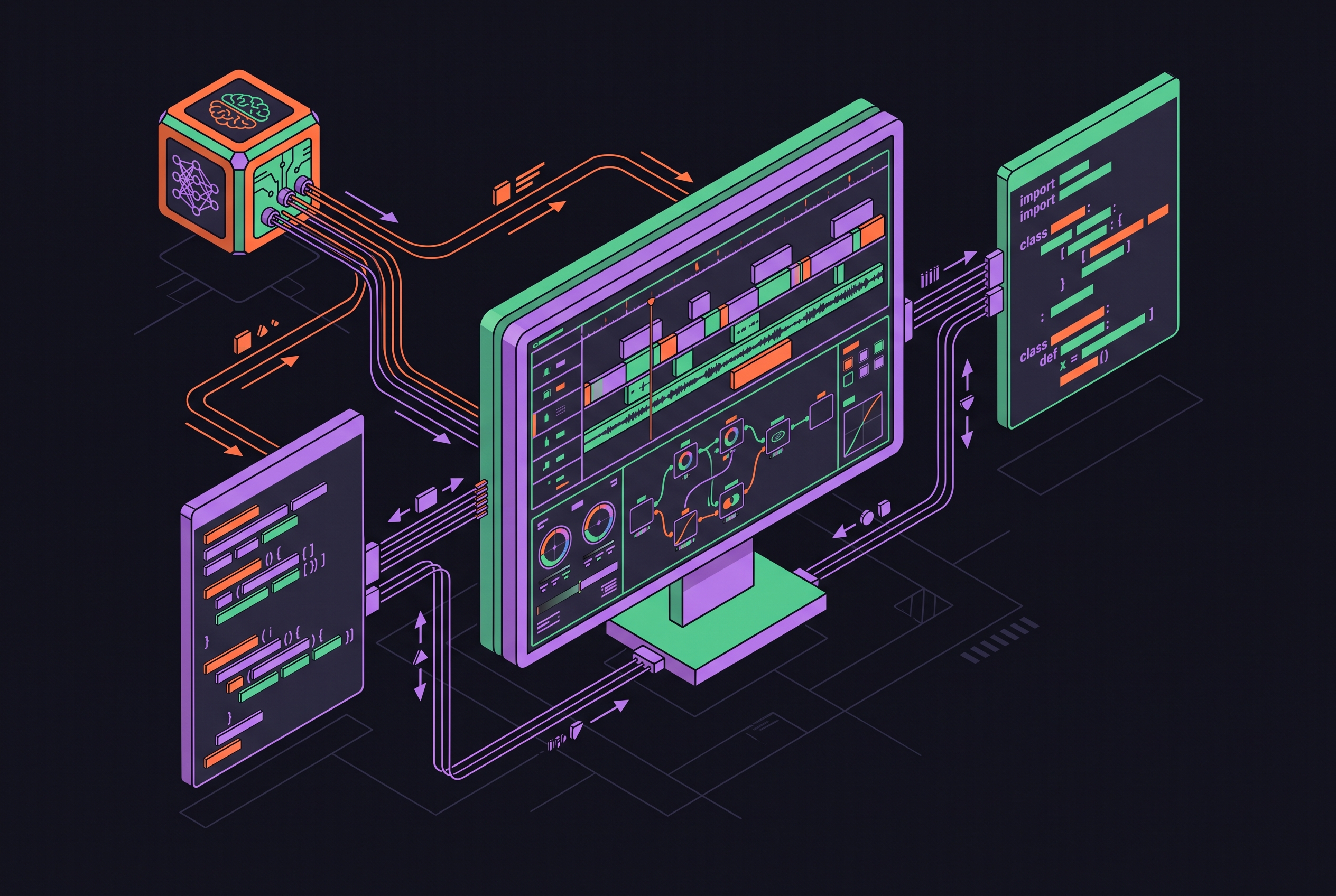
The first stage locks composition, lighting, poses, and palette in static storyboard frames. The second animates those frames with a video model chosen for the shot. The third brings the generated assets into After Effects for precise timing, audio sync, and a shared visual treatment. These are different kinds of control. No single model handles all three with equal competence, which makes specialization a production requirement.
The economic advantage begins before anything moves. Image generation costs a fraction of video generation per frame, so resolving visual decisions in stills avoids paying for motion while the look remains unsettled. Once the reference is approved, the video model only needs to add movement. After Effects then becomes the convergence point for that work.
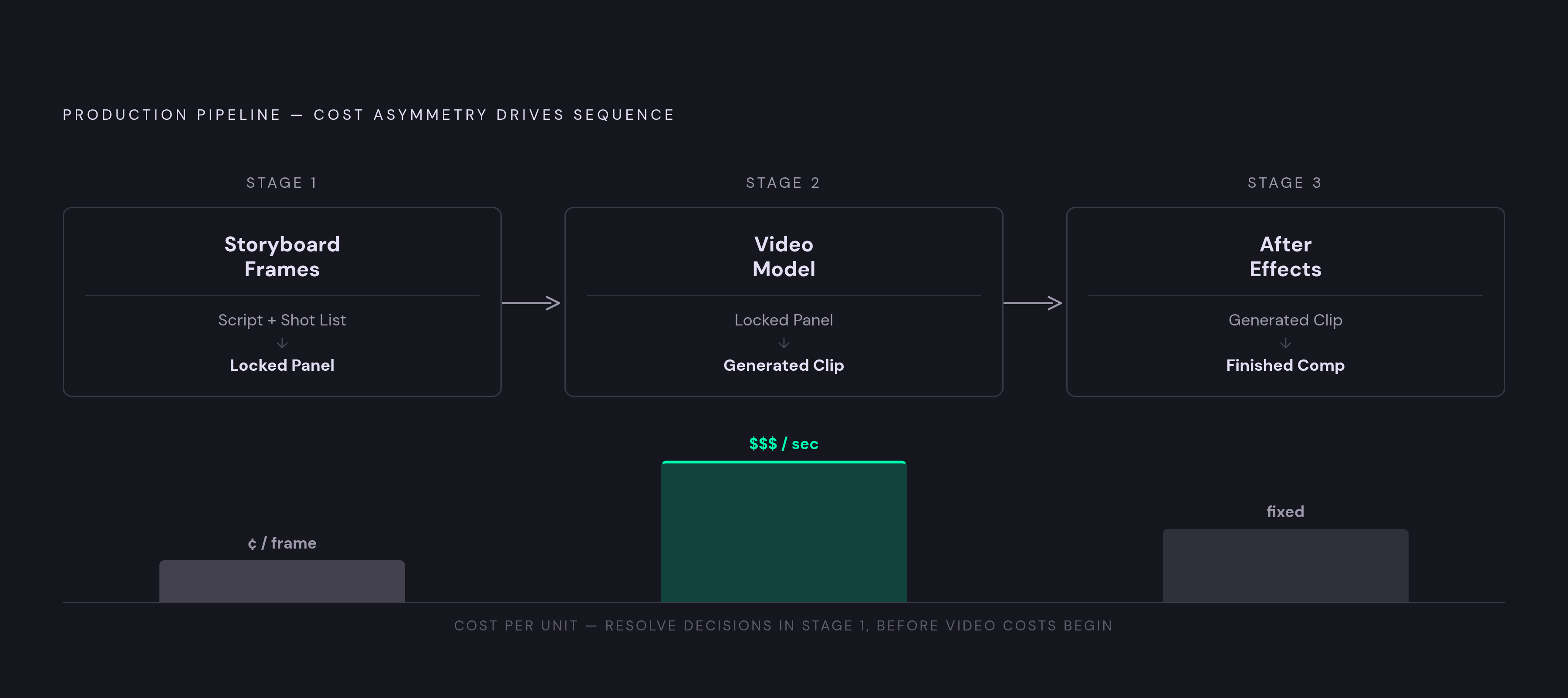
Stage 1: Turning the script and shot list into storyboard frames that lock every visual variable
An approved storyboard panel is no longer just a planning sketch. It is the literal image a video model will animate. That change raises the standard for approval, because an unresolved costume, pose, or lighting choice becomes part of the next stage’s input. Static planning therefore does more than communicate an idea. It removes decisions from the more expensive generation step.
The shot list supplies the structure for that approval. Each shot needs a scene-and-shot ID, duration, shot size, camera movement, on-screen action, and dialogue or narration line. Continuity notes must cover wardrobe, props, and what needs to match the shots on either side. The annotations become prompt language for video generation, so lens notes, lighting sources, dialogue cues, and transitions need the specificity of a crew brief. Vague panels leave expensive choices open later.
InVideo’s storyboarding guide documents a production in which an agent evaluated each scene against detailed shot parameters. These included shot design, length, lens, lighting plan, color script, atmosphere, blocking, the final prompt, and a negative prompt. The brief should settle the visual choices that later generations must preserve.
Character anchoring needs to happen here, before motion is added. A full reference sheet should show each character from front, side, and three-quarter angles and serve as the anchor for every scene. DeepFiction’s 2026 pipeline guide identifies LoRA training as the highest-control option when consistency requirements are strict. The frames also need a shared visual style. Otherwise, panels that look convincing on their own can still look like they belong to different films.
Stage 2: Choosing which video model handles which shot type, and why that choice is per-shot
Model selection is a per-shot engineering decision. A shot’s demands determine which capabilities deserve priority, including motion fidelity, camera control, reference inputs, and cost per retry. A complex scene may need more than one kind of guidance at once. Choosing a model calls for checking whether it can take all that guidance without having to generate the shot again and again.
Seedance 2.0 accepts up to 15 mixed inputs in a single pass, including up to 9 images, 3 video clips, and 3 audio files, and supports native lip-sync in multiple languages. A shot combining character references, brand colors, and camera specifications puts those inputs to work. It does not establish an overall winner for every shot type.
The useful cost measure is cost per finished clip. A lower-cost-per-second model can become the more expensive choice when it needs repeated attempts to produce an acceptable result. Routing by complexity is a production skill that accounts for that difference. The decision depends on what the shot needs and how much repair its output is likely to require.
Routing also has to account for neighboring shots. Passing the last frame of one shot into the next as an image-to-video reference supports sequential continuity. Each asset should also have its prompt, seed value, model version, and generation timestamp logged beside it. That record makes a mismatch traceable when several models contribute to one sequence.
Why continuity breaks across models and how to engineer against it before assets reach After Effects
A character’s jacket can drift by clip four, and by clip seven the face can look like a different actor’s. Those failures are not simply bad luck. Each generation starts from randomness, so hair color, facial structure, clothing, and lighting can drift independently without explicit anchors. Switching models adds another handoff where the approved look must stay the same. A character can move smoothly through a sequence and still change in appearance.
To guard against this drift, locked character sheets need to be inputs every time that character is generated. Each shot brief should include a reusable visual-style prompt block to keep the framing and palette chosen during storyboarding. Seed locking can hold certain visual variables stable where the model supports it. These controls work together.
When a panel has drifted, repeated retries are not necessarily the right repair. InVideo’s guide recommends fixing the source sheet rather than re-rolling the panel, then regenerating from the corrected anchor. The correction belongs upstream of the moving clip. Otherwise, the video stage inherits the same unstable reference that caused the mismatch.
Provenance must survive that repair and the handoff into After Effects. Every clip should arrive with its prompt, seed, model version, and generation timestamp in metadata or a sidecar log. A client revision six weeks later should not require guessing how an approved asset was made. Without that record, recreating one clip can become a much larger consistency problem.
How to structure AI-generated assets so After Effects receives them ready to composite
Asset preparation determines whether After Effects receives a sequence or a pile of clips. Generated video, character references, background plates, and audio stems need consistent names, labels, and logs before import. The shot list provides the organizing spine. Its scene-and-shot numbering should become the file-naming standard so that assets can be assembled in shot order without manual sorting.
Before import, confirm that every generated clip is encoded at the project frame rate. Mismatches create timing errors that can be easy to miss until compositing is underway. Where the generation workflow supports transparent backgrounds, export character passes or foreground elements with alpha and confirm that the channel is intact. An export setting alone is not enough to establish that the asset is ready.
Motion passes and background plates should be kept separate wherever the workflow allows it. Independent character and background layers give the compositor more control than a flattened clip. The same preparation pass should confirm shot-ID naming and the presence of each sidecar log. These are small checks with downstream consequences. When information is missing at import, time meant for compositing goes into piecing it back together.
One storyboard can generate while another shot renders and a third extends, but an unordered batch simply transfers the waiting and sorting to the compositor. Faster generation is useful only when the next stage can receive its output cleanly.
Compositing in After Effects: where keyframe precision replaces AI-generated timing
After Effects supplies the timing precision and editability that generated motion lacks at studio requirements. An approved clip is still material to shape. The storyboard annotations provide the reference for that work. Where motion does not match the planned beat, the compositor refines or replaces keyframes.
Audio makes the need for control especially clear. Dialogue, scored music, and sound cues need to land on the exact frames planned for the action. Generation-only workflows do not provide that finishing control. The compositor maps those cues to the sequence and adjusts the visual timing around them.
Motion blur, color grading, and effect layers help unify shots whose source motion came from different systems. Separate passes let the compositor make those changes. This is why preparation and compositing cannot be treated as separate concerns. The controls available on the timeline depend partly on how the assets were generated and delivered.
Lower thirds, logo reveals, and transition rigging are suitable for pre-built AE skills, templates, and agent-assisted automation. Rebuilding them for every project erodes the advantage of multi-model generation. Shot-specific timing and finishing call for manual attention, while recurring setup can be templated.
Orchestrating the full pipeline: how multi-model coordination changes the compositor's role
The hardest choices about how to coordinate the work come before the timeline opens. Someone must choose the model for each shot, decide where to use continuity anchors, and spell out what an import-ready asset must include. Those decisions shape the later compositing workload. The compositor’s role therefore expands from frame-level execution into pipeline direction, with responsibility for how one stage constrains the next.
Prompt synthesis, quality evaluation, and refinement are distinct jobs that can be assigned to an AI Director of Photography, a Critic Agent, and an Optimizer Agent. The arrangement follows the rhythm of dailies and notes, with output reviewed and refined. Coordination needs infrastructure. Its purpose is to connect the stages without making the compositor manually manage every handoff.
That does not make automated review a creative director. Agents cannot reliably judge emotional resonance, whether pacing creates the right tension, or whether a grade evokes the intended mood. Those decisions still require human judgment.
Recurring work makes that division especially useful. Weekly product commercials or branded social series can reuse an orchestration structure while changing the brief and product reference images. Instead of rebuilding the path from storyboard to comp, the team can apply it to new material and spend its attention on the choices that actually changed.
Where the pipeline breaks and how to design against its three most common failure points
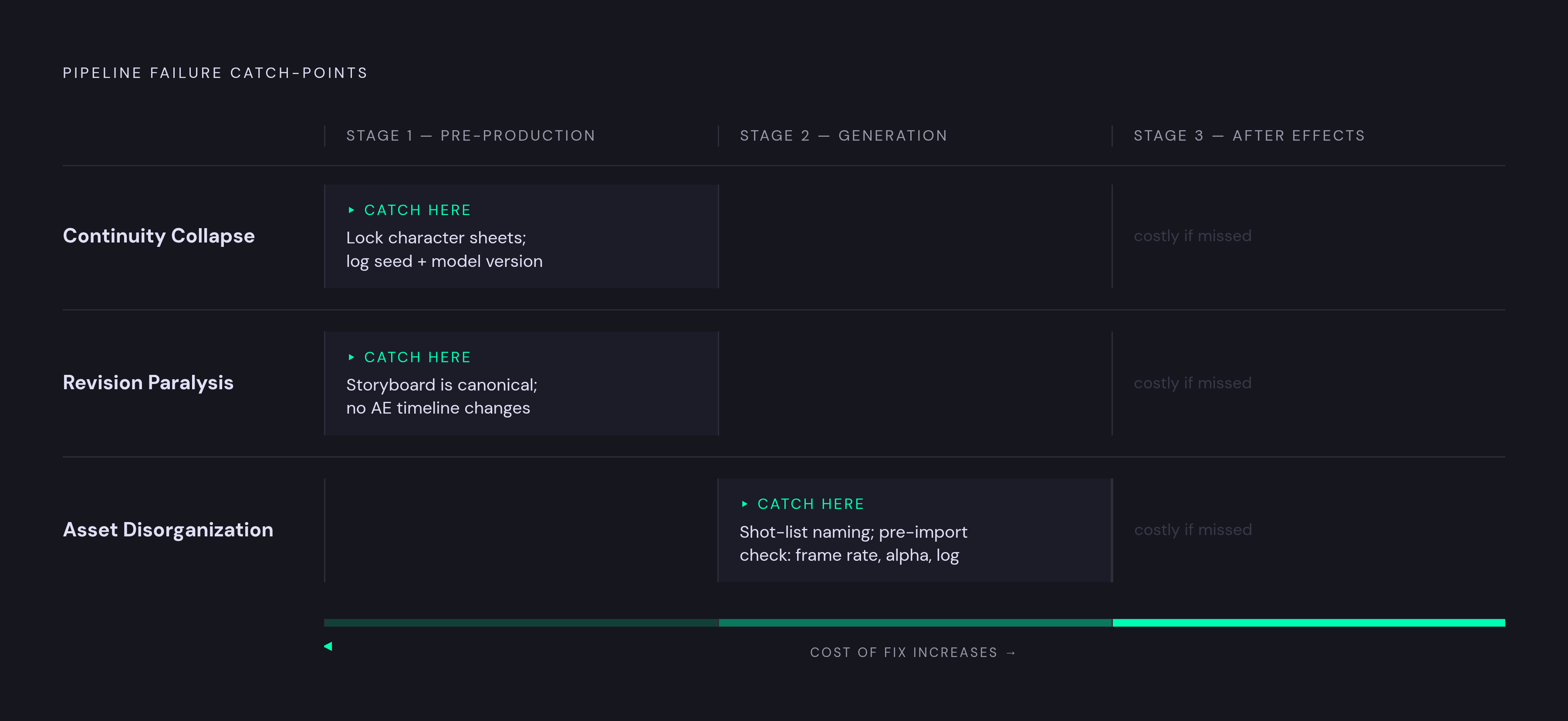
Continuity collapse is the first failure to catch upstream. Character drift compounds across shots, and discovering it only in After Effects can leave dozens of clips needing regeneration. The prevention is to lock character sheets before generation and log every seed and model version. When drift appears, repair the anchor and regenerate at panel level.
Revision paralysis is the second failure, and it exposes the weakness of treating generated clips as the source of truth. A director’s change can become expensive when consistency must be rebuilt across a sequence. The approved storyboard should remain the canonical reference. Changes belong there first, with the AE timeline downstream of the board rather than serving as the place where unresolved creative decisions are negotiated.
Asset disorganization is the third failure. Parallel output arrives at the comp stage out of order, with mismatched frame rates or missing names, and production turns into remediation. Enforcing shot-list naming from the first generation prevents that sorting problem from accumulating. A pre-import check should cover frame rate, alpha, naming, and the sidecar log before After Effects opens.
The return on this discipline grows with reuse. Shot lists, locked character sheets, provenance logs, and AE templates reduce the setup required for the next project. Each reused workflow spreads the upfront design cost across more finished work, making the pipeline faster and cheaper because its production structure is already in place.