Automated Multicam Editing in DaVinci Resolve With AI Agents
AI agents now handle the mechanical work from raw footage to rough cut, leaving editors to refine.
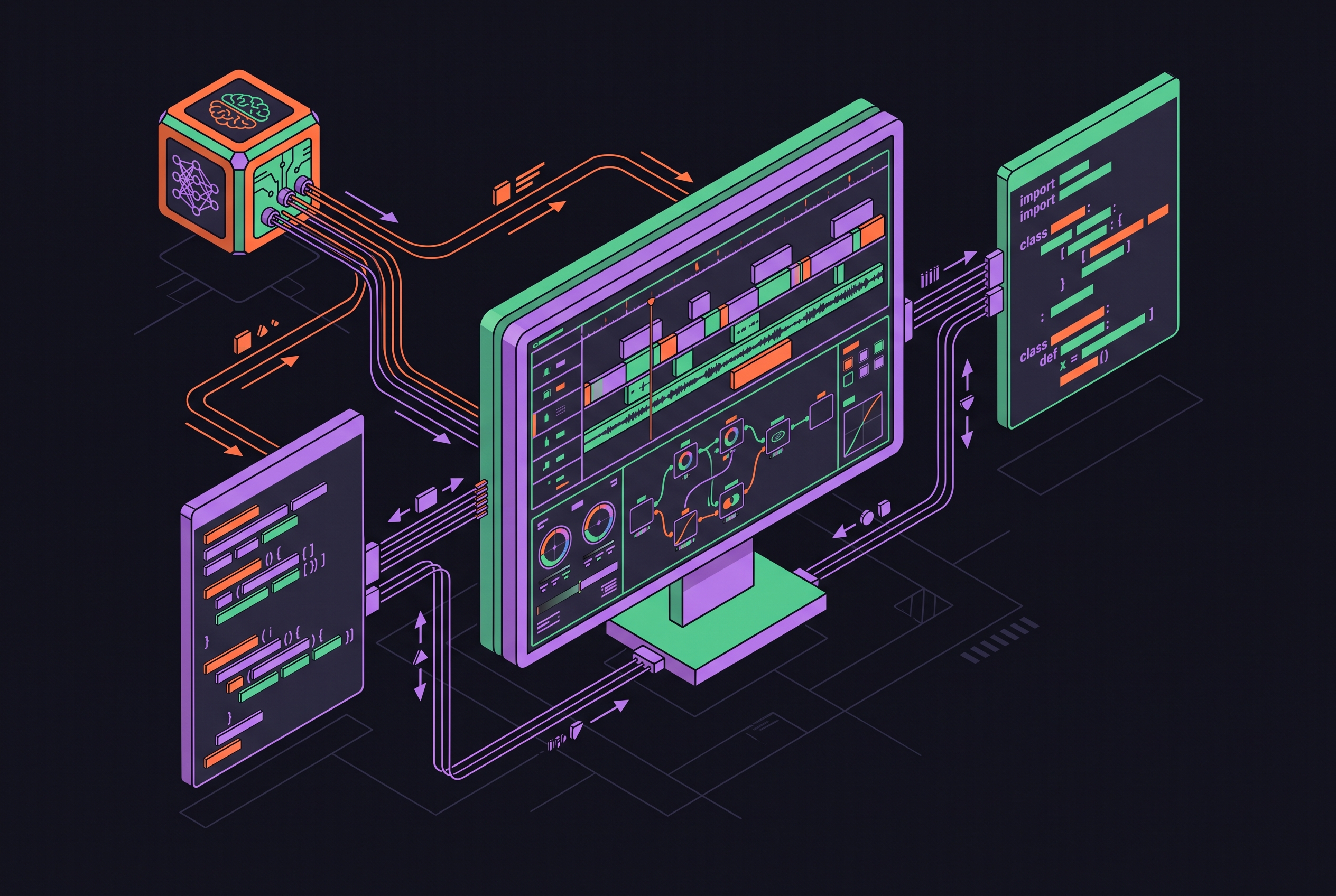
Automated multicam editing in DaVinci Resolve is now about more than choosing the right camera angle. With Resolve 21.1’s native MCP integration and purpose-built tools, AI agents can coordinate the path from raw media to a rough-cut export. The practical gain is fewer manual handoffs. Agents handle the mechanical work. Human review turns that work into a finished piece.
What the multicam pipeline actually demands before any AI touches it
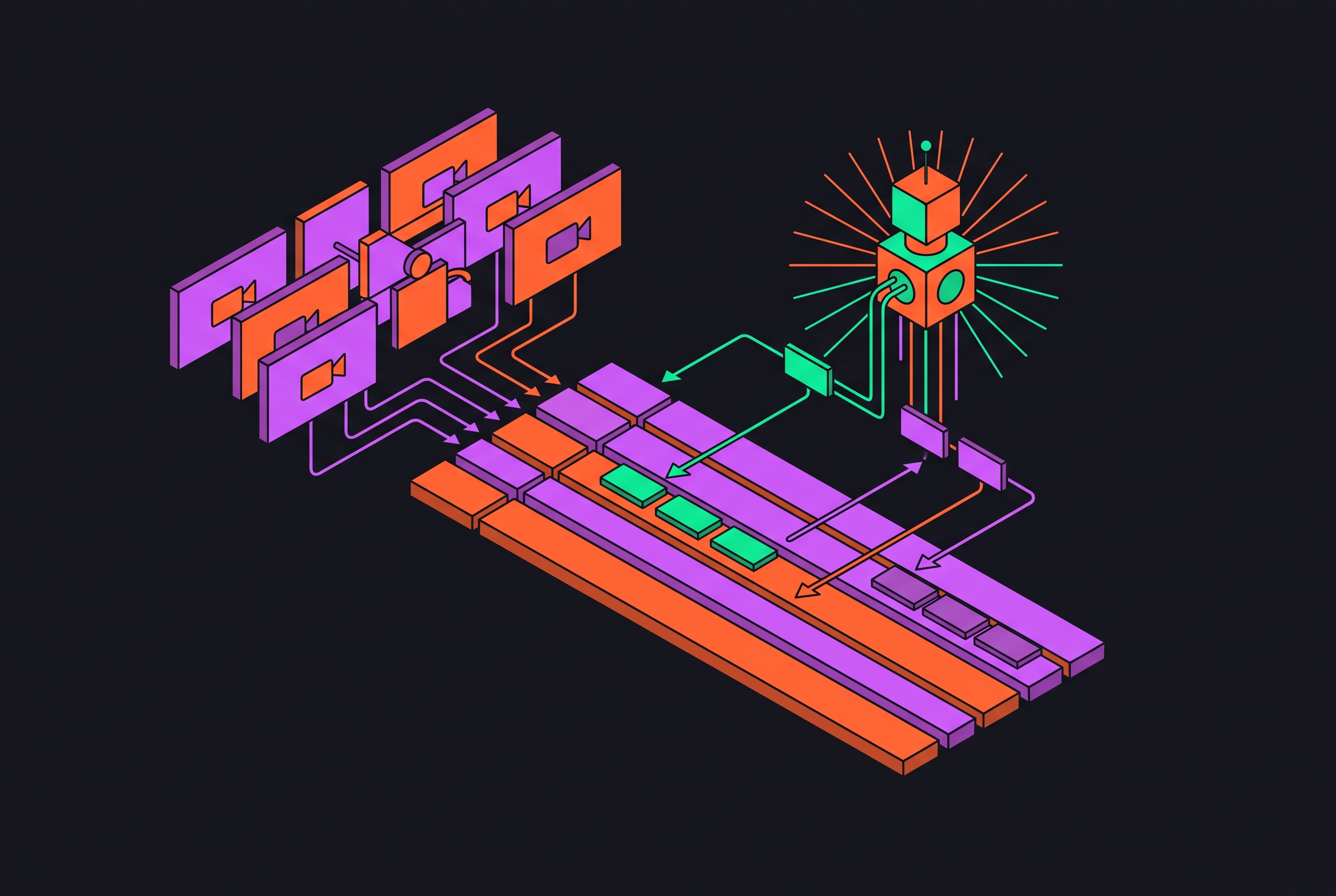
A multicam edit starts with ingesting and organizing camera angles and audio sources. Those clips must then be synced to a common timeline position before the editor builds the multicam clip or sequence. Only then can angle-switching begin, either in real time or afterward. The editor then fine-tunes the cuts, matches color across cameras, and exports.
The burden becomes clearer with a two-hour, two-camera podcast. A practitioner breakdown puts import and multicam sync at tens of minutes, silence removal at up to two hours, and speaker-based cutting at most of a working half-day. Captions can add up to an hour and a half. The total runs to five to eight hours. Much of that time goes into patient execution.
The media still needs to be prepared, the audio needs work, and someone must get the project ready for delivery. Each handoff remains a gate that requires active attention even when the task behind it is straightforward. That structure also makes automation tractable. A sequential pipeline with clear rules gives an agent concrete tasks to execute in a known order.
What DaVinci Resolve could automate before the 2026 wave, and where it stopped
DaVinci Resolve 20’s AI Multicam SmartSwitch automated camera switching. It worked well for clean, well-lit interviews with a dedicated camera per speaker, where the visual and audio signals gave it a clear choice. It was also a Studio-only feature. Editors using the free version did not have access, and Studio users still had to prepare the material before switching could begin.
That preparation explains a common frustration, the greyed-out SmartSwitch button. Possible causes include a multicam clip that has not yet been created, missing audio on one or more angles, or GPU driver issues. SmartSwitch does not correct those conditions itself. Once running, it can also struggle with frequent crosstalk, multiple speakers visible in the same frame across cameras, or lighting that makes lip movement hard to detect.
Its scope was narrow, even when it worked well. SmartSwitch did not handle sync, silence removal, audio normalization, markers, or rendering, so an automatic switching pass still sat inside a manually managed workflow. Resolve’s thinner plugin market made that surrounding gap more acute for its users. A first-party bridge gives outside agents a maintained way to manage the work around switching.
How Resolve 21.1's native MCP server changes the automation ceiling
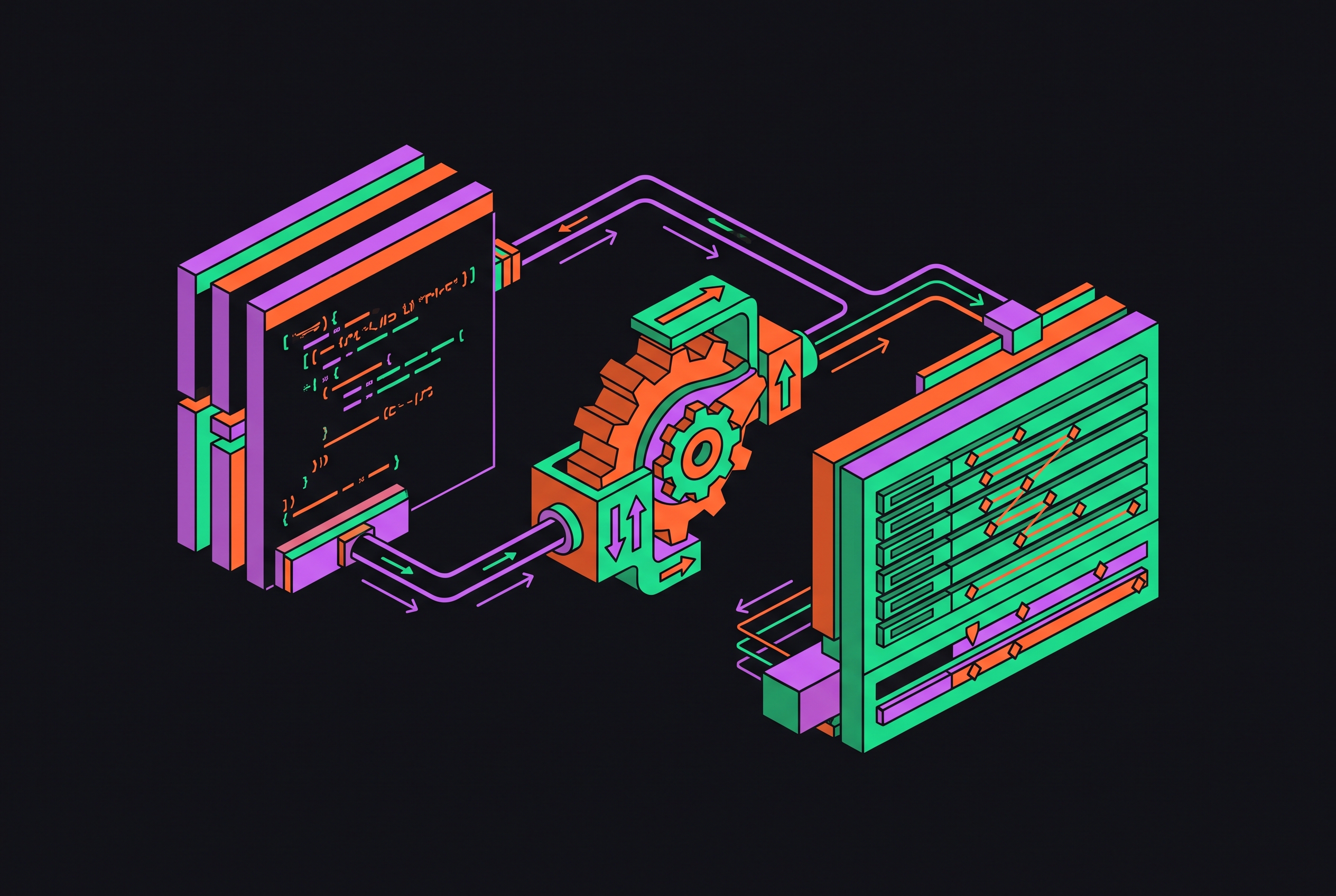
Blackmagic Design’s official 21.1 announcement describes the native MCP server as part of the update released ahead of and demonstrated at IBC 2026. MCP is an open standard that lets AI models call external tools and data sources through a consistent interface. Instead of needing a bespoke connector for each integration, a compatible assistant can reach Resolve’s scripting API through the native server. Blackmagic ships and maintains that bridge itself.
That changes who can direct the software. Claude, Claude Code, and ChatGPT Codex can connect through MCP, and the protocol is model-agnostic, so other compatible clients can connect in principle. The editor gives an instruction in natural language, and the agent turns it into tool calls. There is a hard boundary, though. If Resolve’s scripting API does not expose an operation, MCP cannot create that capability.
Access requires Studio, even though the 21.1 update is available as a free download. The download does not remove the licence requirement. A facility that already uses Studio for high-dynamic-range work, multi-GPU work, or advanced AI tools likely has the licence it needs for MCP. For a free-version editor, it is a real access decision.
A new multi-cam mode button in the timeline viewer and the source viewer’s automatic return to multi-cam mode help editors keep their place after they preview media pool clips. Timecode sync can split multicam clips at timecode gaps. Keyboard shortcuts also support up to 25 multicam angles, which is relevant to concert, sports, and event work.
What an AI agent can now execute across the full multicam pipeline in Resolve
With MCP and purpose-built extensions working together, an agent can coordinate raw ingest and timeline organization rather than waiting for an editor to operate each stage. At sync, it can trigger Resolve’s native audio waveform synchronization, create the multicam clip, and split at timecode gaps where appropriate. The editor no longer has to perform every setup action through the interface.
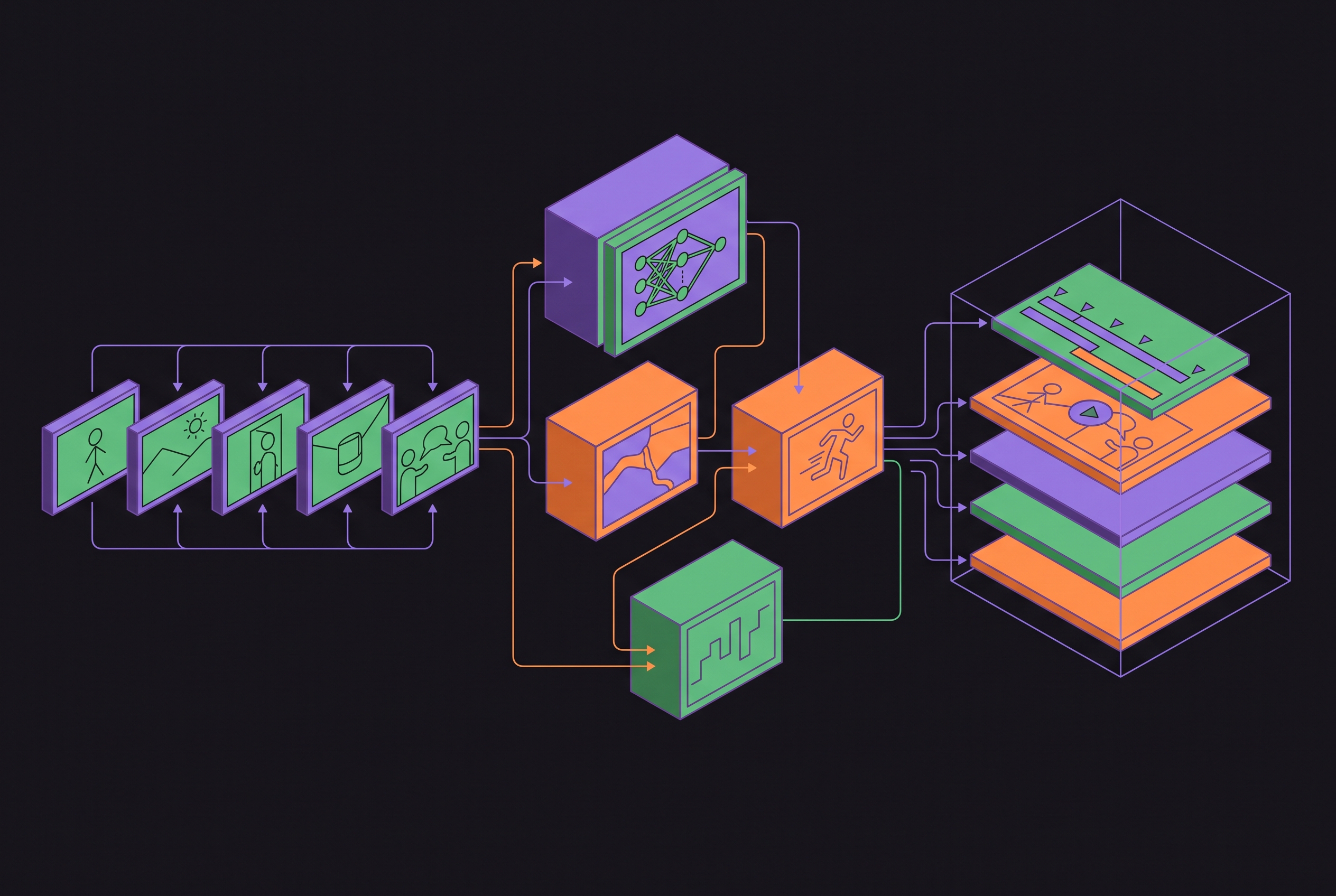
For switching, agent-driven diarization identifies speakers and maps them to camera angles. A two-person, two-camera podcast can then yield a rough cut in minutes, replacing hours of manual speaker-based cutting. The rough cut takes the form of a real, editable Resolve sequence. It is not a locked export, and speed does not make its angle choices final.
Once that sequence exists, plain-English requests can direct refinement through MCP or an assistant panel. An editor can ask the agent to flag the five most energetic moments, remove filler-word takes, or cut a named segment. Silence removal and audio normalization take care of more of the mechanical work. Markers can show where scenes change, and 21.1’s marker-list PDF export gives clients or collaborators a document to review.
Color matching remains a checkpoint before delivery. The supplied capabilities do not establish that every camera-matching decision is automated, so a full-pipeline claim should not imply that the rough cut is visually finished. For export, agents can follow natural-language instructions to batch and start renders, including those for highlights and social clips. The editor can still change cuts, markers, and transitions in Resolve. The practical change is that the pipeline’s separate gates can become one directed pass, with editable results handed back for review.
Why multi-agent architectures outperform single-model automation for complex edits
Planning an edit, interpreting footage, and operating timeline tools are different jobs. Giving those jobs to specialized agents lets one part of the system work out what the edit should do while another carries out the steps. Communication between them keeps the stages connected. Research supports that approach, although it does not prove that every multi-agent design will outperform every single-model setup.
Crayotter, an open-source multi-agent system submitted to arXiv in May 2026, separates planning, editing research, and tool-based execution into a three-phase workflow. Its approach makes decisions inspectable through artifacts including coverage evidence, analysis records, timeline plans, tool calls, and intermediate renders. A verifier runs diagnostics after each tool call. When a diagnostic fails, repair targets only the affected segment.
Crayotter’s paper reports the highest human overall score among compared systems in a 23-theme evaluation, at 3.40/5. Its largest margins were in theme alignment, narrative coherence, and editing smoothness. That is useful evidence, but not a clean causal test. The evaluation does not isolate individual module contributions, so it cannot establish how much improvement comes from traceability or any one part of the architecture.
EditDuet’s 2025 paper describes a simpler way to split the work. Its Editor agent modifies the timeline based on feedback from a Critic agent, which assesses the draft against the user’s request and either suggests corrections or triggers rendering. For Resolve users, MCP makes such task-based combinations practical because the connection is not tied to one model. Coherence still requires shared context retained in memory.
How persistent memory turns a repeatable script into an adaptive editing assistant
A repeatable script can run the same steps again. An adaptive assistant also retains the preferences that explain how those steps should be performed. Without memory, each session needs fresh instructions about cut rhythm, silence thresholds, caption style, and delivery choices. That repeated briefing eats into the time saved by automation. The distinction is between remembering an output and retaining a useful model of the workflow.
Mem0’s “State of AI Agent Memory” report describes a shift from retrieval toward memory formation, consolidation, and personalization. For editing, static preferences such as export format and naming conventions can be kept alongside episodic memory of recent interactions. The latter can reflect what the last three edits revealed about pacing preferences. These are different kinds of context. One records a standing rule, while the other captures how the editor has recently applied judgment.
Tools such as video-use store memory in a project file so it lasts from one session to the next. Cut rhythm, silence threshold, and caption style can then continue into the next session without being explained again. Voyager is a platform built around the same mix of memory and multiple models. The useful principle is not the product label but the combination of specialized execution and durable workflow context.
An assistant that retains a creator’s preferences can apply them on episode two, three, and ten. It still needs the editor to guide it when the approach should change. Memory gives the system continuity, and its stored rules leave creative decisions that require the editor’s taste and judgment.
Where the agent still needs a human editor, and why that is not a failure of the system
Agents are strongest where detectable signals and clear rules define the task. Speaker detection, silence removal, clip assembly, audio normalization, marker generation, and batch rendering fit that pattern. Holding a shot for emotional effect does not. So does deciding that a pause should breathe or choosing which moments make the piece what it is. Audio activity and lip movement alone cannot supply that intent.
The limits extend beyond individual shot choices. Retrieval-based methods are constrained by fixed source material, while generative models can struggle with long-horizon coherence and drift from user intent. SmartSwitch’s crosstalk, shared-frame, and poor-lighting problems also persist under agent orchestration. Human review belongs in the workflow even when there are no unusual failures to fix.
For editors choosing an approach, the practical split starts with access and material. A free-version user does not have the Studio features described here. A Studio user with clean interviews shot on dedicated cameras can use SmartSwitch for switching, while agent-driven diarization is another way to get a speaker-based rough cut. Neither choice removes the need to inspect angle decisions. Teams with recurring brand rules can use pre-built skills for standard tasks and custom skills for shot priorities, pacing norms, or caption style.
For a new Studio user starting with MCP, the suggested sequence is direct. Connect a preferred compatible agent, use it to sync and create the multicam clip, then run SmartSwitch or agent-driven diarization for angle switching. Let the agent handle silence removal and audio normalization before checking the rough cut and making creative changes. Batch rendering follows that review through the agent. The mechanical pipeline is now automatable end-to-end, but the creative pass is what separates a competent rough cut from a finished edit.
Sources
- Crayotter: Traceable Multi-Agent Workflows for Long-Form Video Editing
Described the Crayotter multi-agent system's three-phase workflow, traceability artifacts, verifier diagnostics, and the 23-theme evaluation scores cited in the article.